

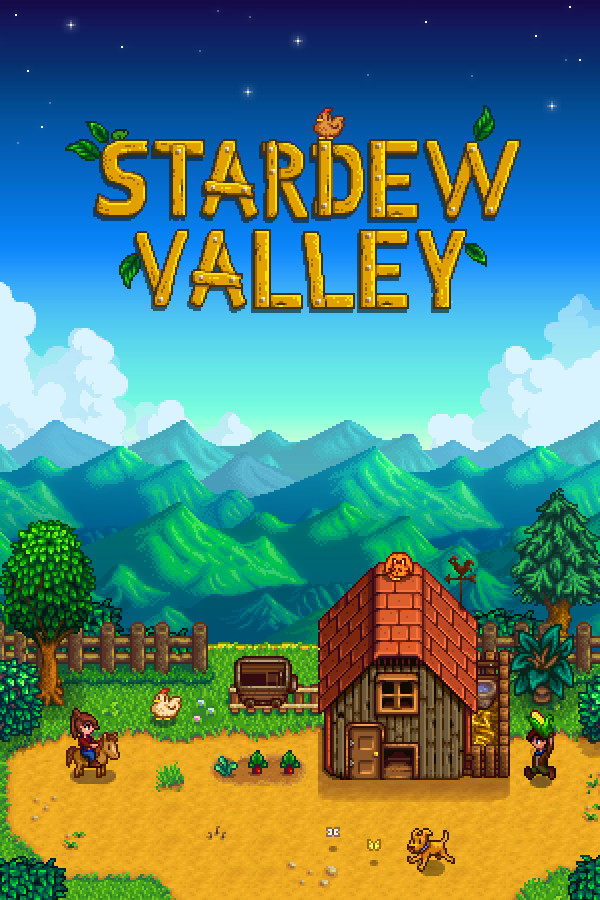
How to play Stardew Valley on Mac
Yes, and it is included with your Steam purchase: Stardew Valley has an excellent native Mac version. Install it straight from Steam. You only need Pixel Port here for edge cases like running Windows-only mod setups.
Steam lists a native Mac version of Stardew Valley, and your Steam purchase includes it — install that first. It needs no compatibility layer at all, which makes it the simplest path by far.
Get the Mac version on SteamWhat you need
- Stardew Valley, owned on your own Steam account
- A Mac — Steam serves the native build automatically
How to play Stardew Valley on your Mac
- 01
Install it from Steam
Open Steam on your Mac and install Stardew Valley as normal. Steam serves the macOS build automatically. No compatibility layer, and nothing else to set up.
- 02
If the native build does not run
Some older Mac ports were never updated past 32-bit and stopped working at macOS Catalina. If that turns out to be the case here — or you need the Windows build for Windows-only mods — Pixel Port runs the Windows version, graded playable on Apple Silicon.
More games that run on Mac
Browse every compatibility grade


Every way to play Stardew Valley on a Mac
Honest answer first: you probably do not need Pixel Port for Stardew Valley. Your Steam purchase already includes a native Mac version. Install that and play.
| Option | Cost | How it works | Honest verdict |
|---|---|---|---|
| Native Mac version (included with Steam) | Free (included with your purchase) | Install directly from Steam on your Mac | The best way to play Stardew on a Mac. Use this |
| Pixel Port | Free | Runs the Windows build; graded playable | Only relevant for edge cases like Windows-only mods |
| Cloud gaming | Subscription | Streams from a datacenter | Unnecessary for a game with a great native build |
Last reviewed 2026-08-04. Grades update as real Macs report back.
Common questions
- Does Stardew Valley run on Mac?
- Yes, and it is included with your Steam purchase: Stardew Valley has an excellent native Mac version. Install it straight from Steam. You only need Pixel Port here for edge cases like running Windows-only mod setups. If you specifically want the Windows build — for Windows-only mods, say — Pixel Port runs it, graded playable on Apple Silicon.
- Is there a native Mac version of Stardew Valley?
- Yes, and it is included with your Steam purchase: Stardew Valley has an excellent native Mac version. Install it straight from Steam. You only need Pixel Port here for edge cases like running Windows-only mod setups.
- Do I need to own Stardew Valley on Steam?
- Yes. Pixel Port does not sell, host, or distribute games. Stardew Valley downloads through Steam, to your own Steam account, exactly as it would on a PC — you need to own it there first. Pixel Port is the compatibility layer that runs the Windows build Steam delivers.
- Do I need Windows, Boot Camp, or a VM to play Stardew Valley on Mac?
- No. Stardew Valley has a native Mac version, so nothing needs translating at all — install it from Steam and play.
- Which Macs can run Stardew Valley?
- Any Apple Silicon Mac — M1 through M4, MacBook Air to Mac Studio — on macOS 14 or later.