
All games
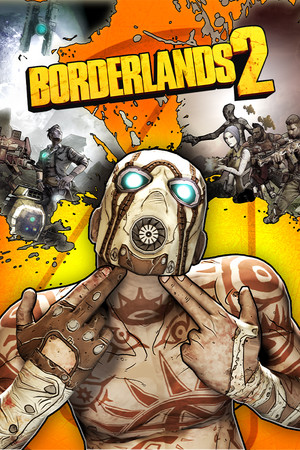
Borderlands 2
Verified on Mac
How to play Borderlands 2 on Mac
Borderlands 2's Aspyr Mac port was 32-bit and died with macOS Catalina in 2019. It holds a Verified tier in our compatibility database on strong community evidence; we have not captured it on our own Macs yet. If you bought it for Mac back then, that same Steam license works here.
Download & play Borderlands 2What you need
- Borderlands 2, owned on your own Steam account
- Apple Silicon (M1 or newer)
- macOS 14+
- ~20 GB free
From Windows game to Mac launch
- 01
Install Pixel Port
Download Pixel Port and let it set up the runtime on first launch.
- 02
Add Borderlands 2
Find it in the catalogue and hit Install & Play.
- 03
Play
Single-player and co-op have both appeared in community reports; treat co-op as a bonus and tell us how it goes.
More games that run on Mac
- Magic Archery

Magic Archery
- Dwarf Fortress

Dwarf Fortress
- The Lord of the Rings Online

The Lord of the Rings Online
Common questions
- Does Borderlands 2 run on Mac?
- Borderlands 2's Aspyr Mac port was 32-bit and died with macOS Catalina in 2019. It holds a Verified tier in our compatibility database on strong community evidence; we have not captured it on our own Macs yet. If you bought it for Mac back then, that same Steam license works here. Its current grade is verified for Apple Silicon Macs.
- Do I need to own Borderlands 2 on Steam?
- Yes. Pixel Port does not sell, host, or distribute games. Borderlands 2 downloads through Steam, to your own Steam account, exactly as it would on a PC — you need to own it there first. Pixel Port is the compatibility layer that runs the Windows build Steam delivers.
- Do I need Windows, Boot Camp, or a VM to play Borderlands 2 on Mac?
- No. Pixel Port runs the Windows build of Borderlands 2 directly on macOS — no Boot Camp partition, no virtual machine, and no Windows license.
- Which Macs can run Borderlands 2?
- Any Apple Silicon Mac — M1 through M4, MacBook Air to Mac Studio — on macOS 14 or later.